 IBlock
Français
IBlock
Block distracting apps with one slide
Pick the iPhone apps you want to pause, choose a duration, and slide to start. Use Routines to repeat the same block at the times you choose.
For iPhone with iOS 26 or later. Focus sessions and Routines require IBlock Premium.
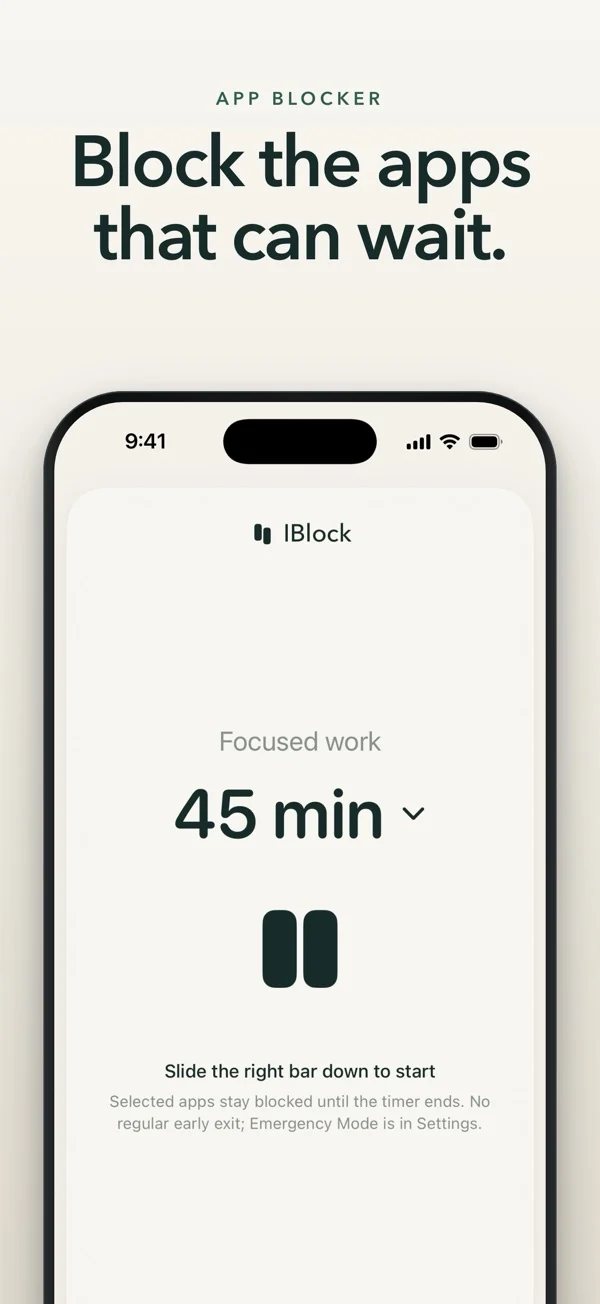
Start a focus session
Pick the apps that can wait, set a timer and slide the right bar down. iOS blocks your selection once the session starts.
Make it a routine
Pick days and hours to put the same apps on pause automatically. Set a routine for work, dinner or the hour before bed.
Keep the apps you need
IBlock uses Apple’s Screen Time to block the apps you select. Apps you leave off the list stay available while your session runs.
Guides
- How to block Instagram on iPhone at night
Set an evening cutoff with Apple’s Screen Time or use an IBlock routine to block your selected apps overnight.
- IBlock vs. Opal vs. Apple Screen Time
Choose IBlock for a slide-to-start focus session, Opal for more granular rules, Apple Screen Time for built-in limits, or one sec for a pause before opening an app.